POST-IT NOTES v1.2
Quick Guide
Welcome! This site is my portofolio that is heavily inspired by Windows 3.1 desktop environment:
- Single-Click: Click any desktop icon or window button to launch it.
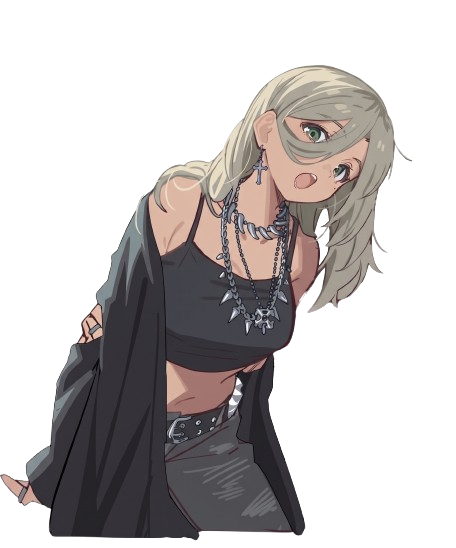
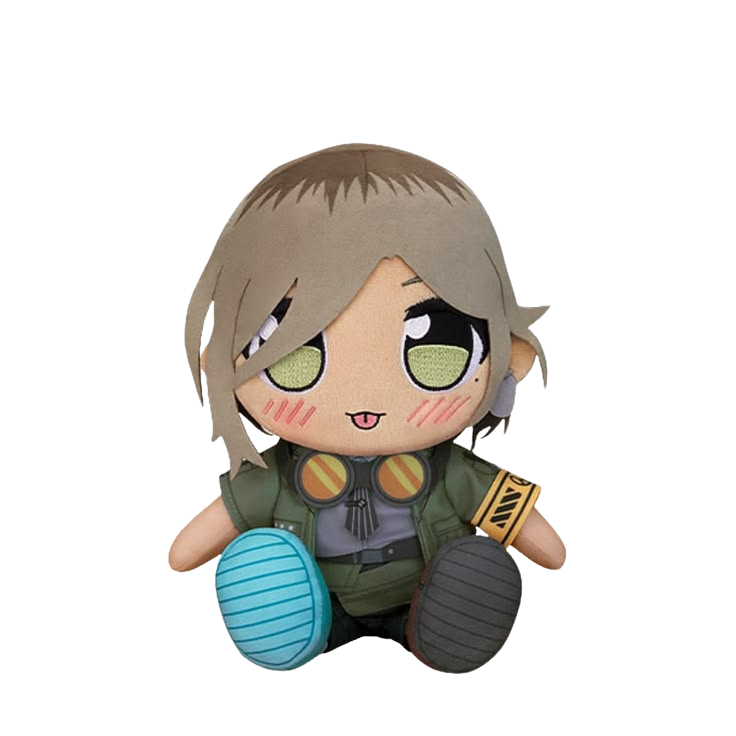
- AI Assistant: Click chibi Rupa walking at the bottom to ask questions about me!
- Move & Organize Note: Drag the note by its top bar.
- Start Menu: Access all shortcuts from the bottom-left Start button.
- Gimmick.exe: Hover your mouse over Rupa to distort the live ASCII art matrix.
Fun Fact: Drag this note anywhere by its top bar!
@2026 Grendot
 Notepad - ABOUT_ME.TXT
GRENDY ARVEL PUTRA AGUSTI
Frontend & Fullstack Developer · Balitar, ID
Welcome to my retro desktop! I build (not so)responsive web applications, creative interactive interfaces, and (not so)clean backends. Im trying to be better tho.
I like trying new thing i just discovered, albeit massively helped by AI(Thanks Agy).
Quick Navigation:
• Ask Rupa Assistant (AI) anything about Grendy
• Check out Projects (File Manager)
• Launch Gimmick.exe for the animated ASCII art
• Send an email via Mail_Me
• Ask Rupa Assistant (AI) anything about Grendy
• Check out Projects (File Manager)
• Launch Gimmick.exe for the animated ASCII art
• Send an email via Mail_Me
Psst! Click me if you have any questions!